How to top up Redotpay | Deposit | Tether USDT | Credit Card | Binance Pay
In this blog post, we will explore how to top up Redotpay, including deposits, Tether USDT, credit cards, and Binance Pay. If you have received a Redotpay card, it's time to top up your account. It is important to choose the deposit method that suits you best, as fees and processing times can vary significantly depending on the method. Redotpay offers several options, including direct deposits of Tether (USDT), credit card top-ups, and Binance Pay integration. USDT has the advantage of low fees, credit cards offer instant processing, and Binance Pay is a familiar method for exchange users. However, you may experience unexpected inconveniences if you don't know about network selection, minimum deposit amounts, and processing times in advance. In this article, we will provide a detailed analysis of fees and precautions for each top-up method to guide you on the most efficient and economical way to top up your Redotpay account.
Before we begin, if you don't have an account, please sign up through the link below.
By signing up through the link above, you can receive a $5 bonus and enjoy a 20% discount on card issuance fees when you issue a card. (Physical card promotion code Redot2025, virtual card promotion code 200FF2025)

Top up Redotpay with cryptocurrency
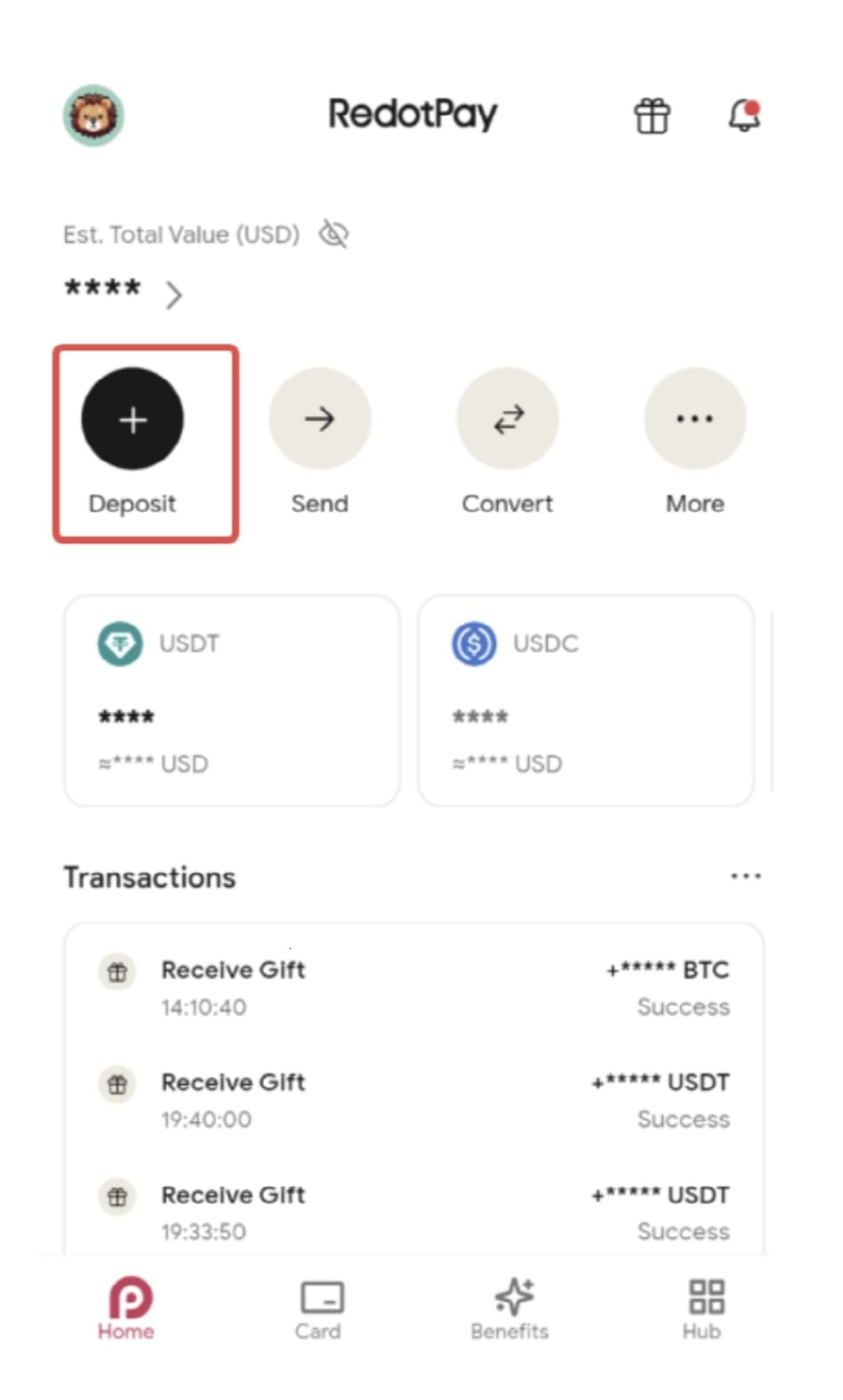
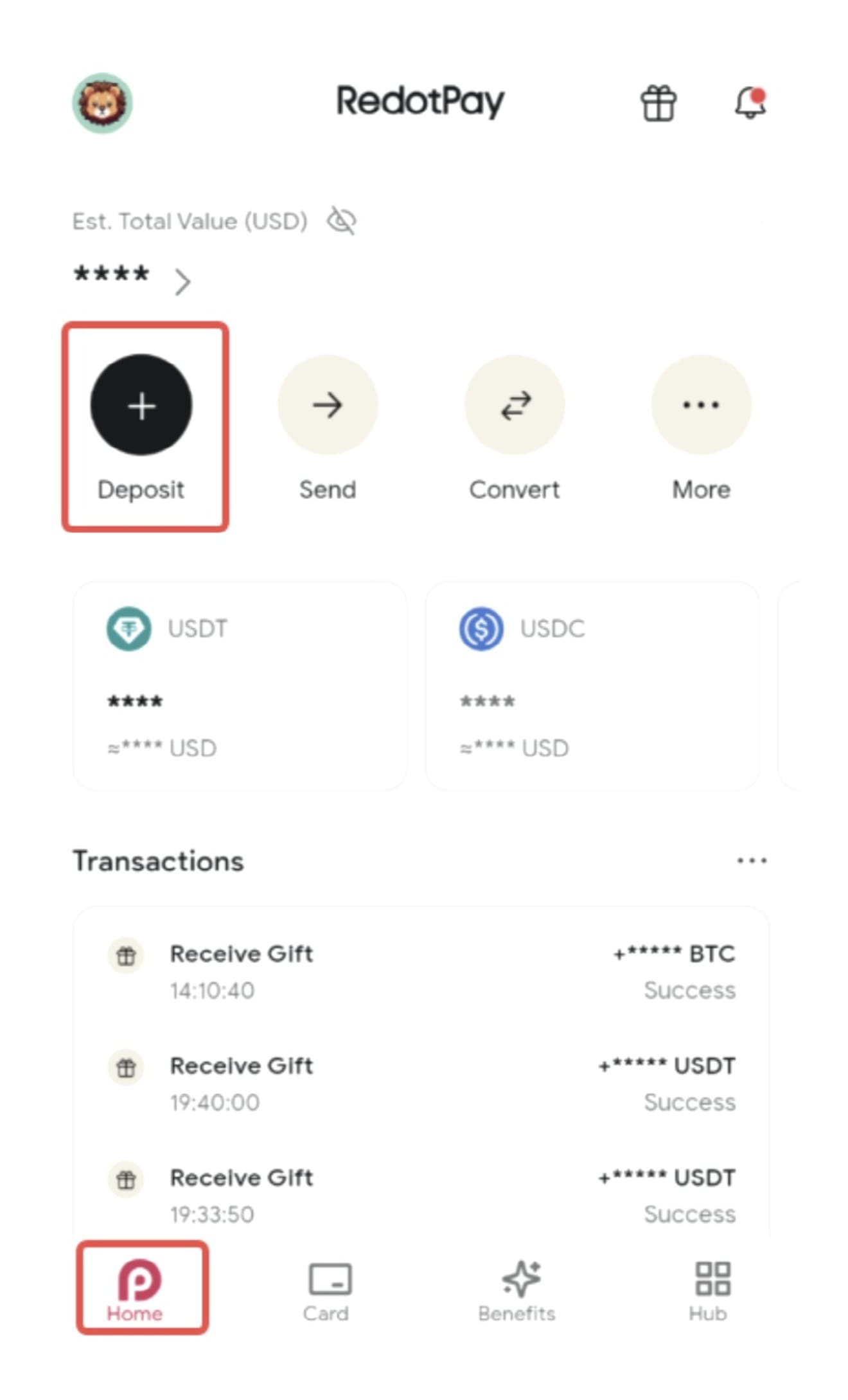
Before using your Redotpay cryptocurrency card to pay with cryptocurrency, it is recommended that you first deposit cryptocurrency into your account. After launching the RedotPay app, click 'Deposit' on the home screen.
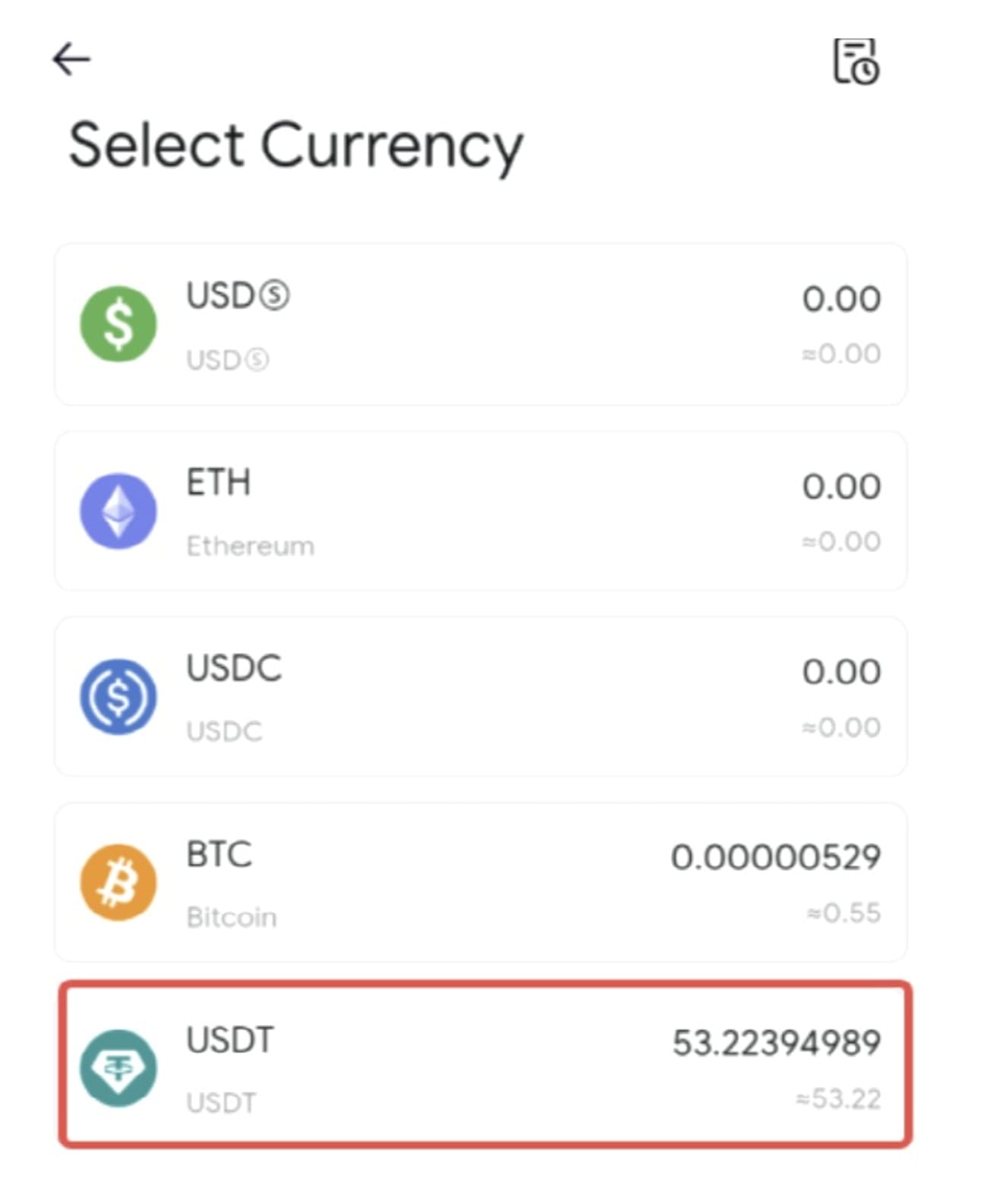
Select the currency you want to deposit.
You must select a network suitable for the selected currency. For USDT, deposits of that currency are only supported on the selected network.
1. USDT-ERC20 does not support ETH deposits.
2. USDT-BEP20 does not support BNB deposits.
In this example, we will use USDT-TRC20.
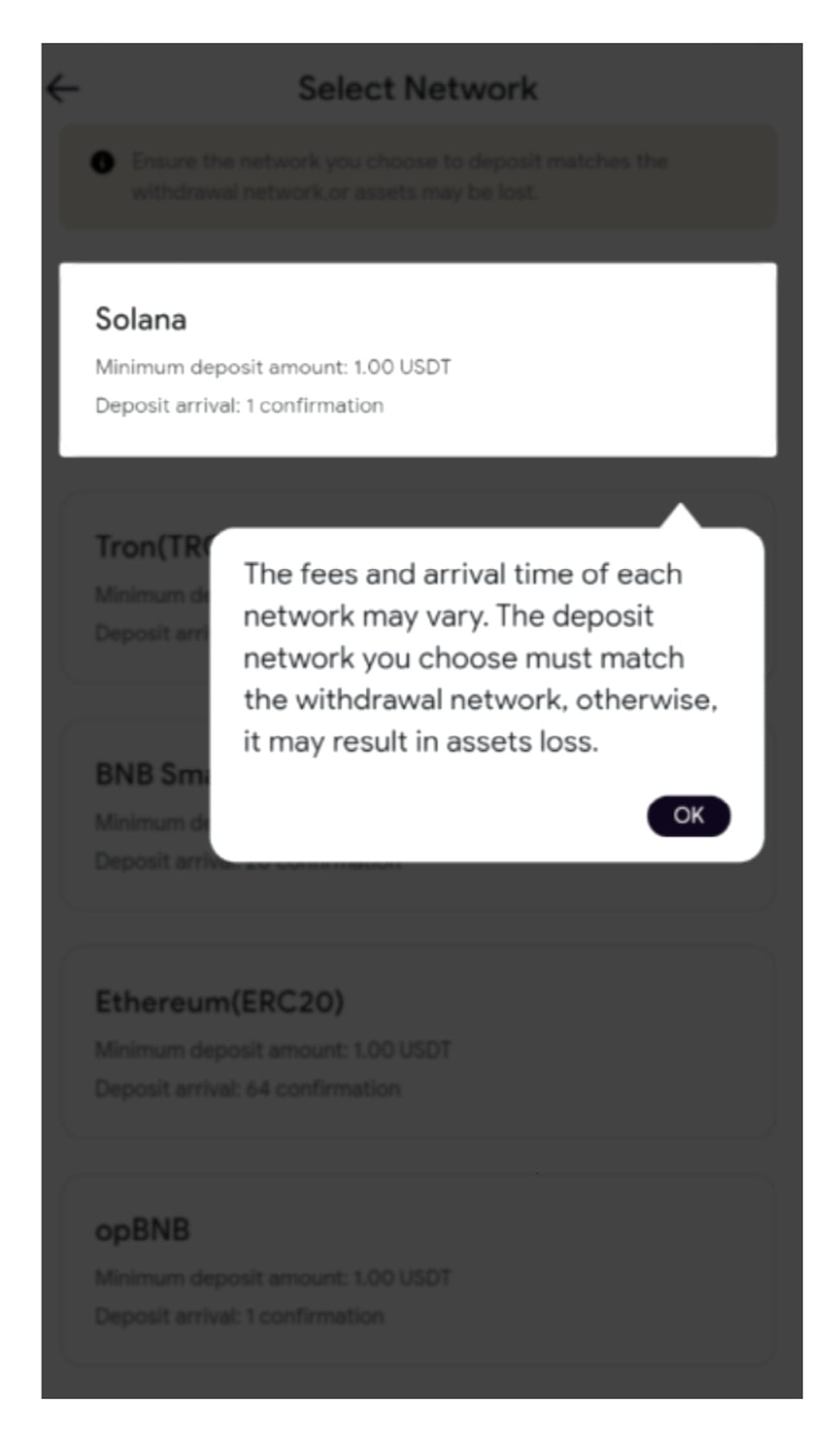
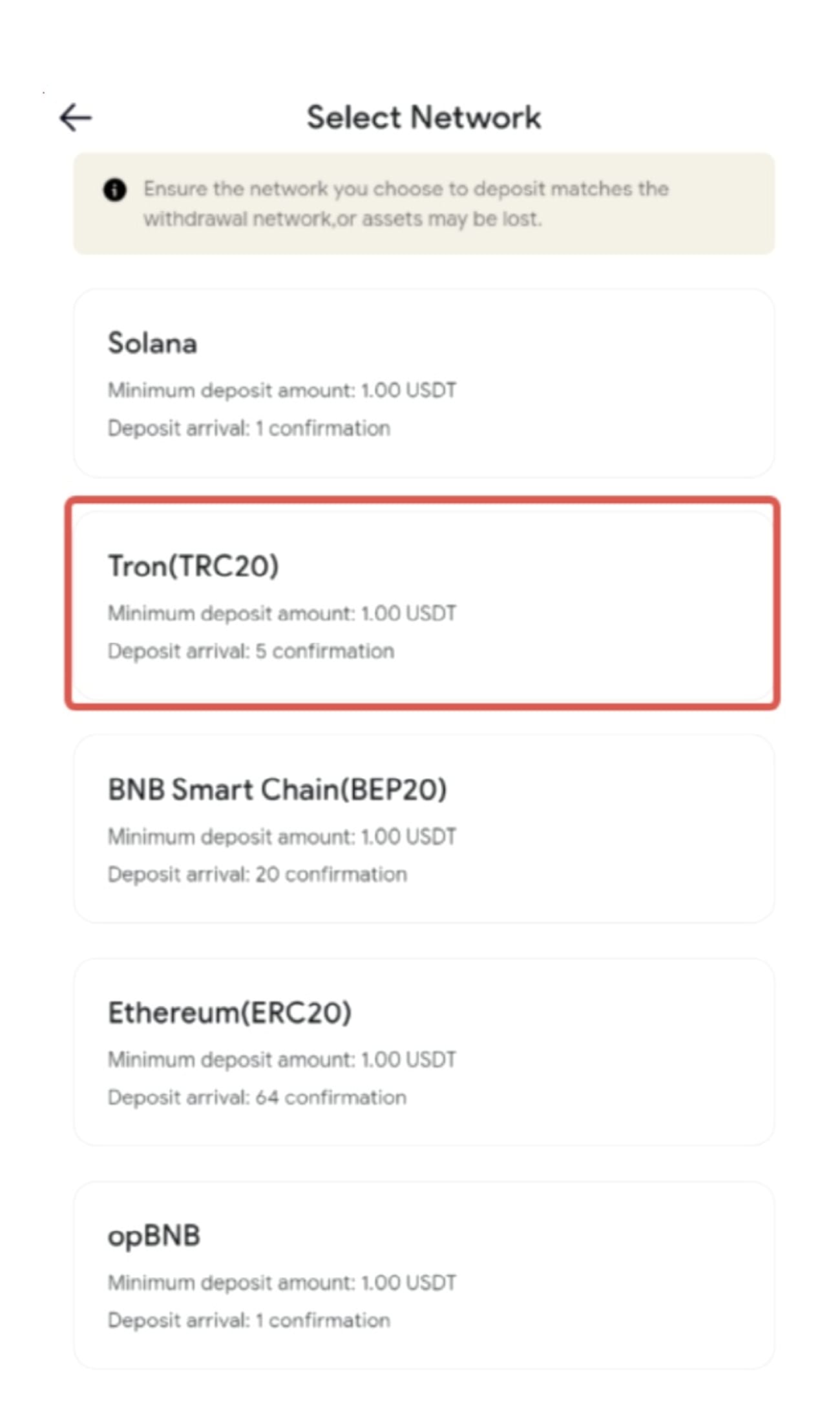
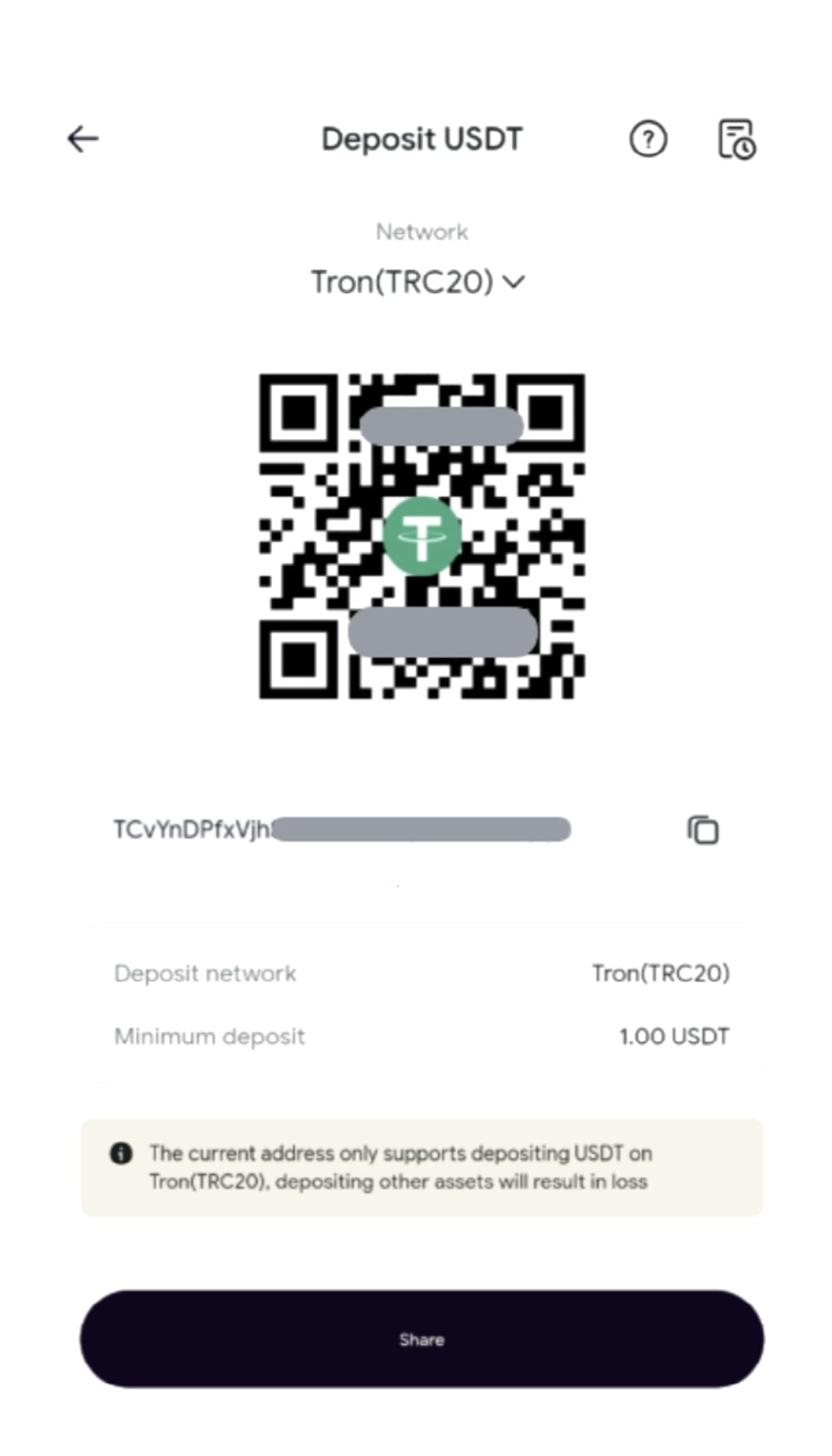
You can copy the deposit address or scan the QR code to make a deposit. The minimum deposit amount for USDT-TRC20 is 1 USDT. After deducting processing fees, RedotPay only deposits into your account if the deposit amount exceeds 1 USDT. Deposits less than 1 USDT will not be reflected.
After copying the address, open the app from which you want to withdraw. For example, go to your spot account in the Binance app and click 'Withdraw'.
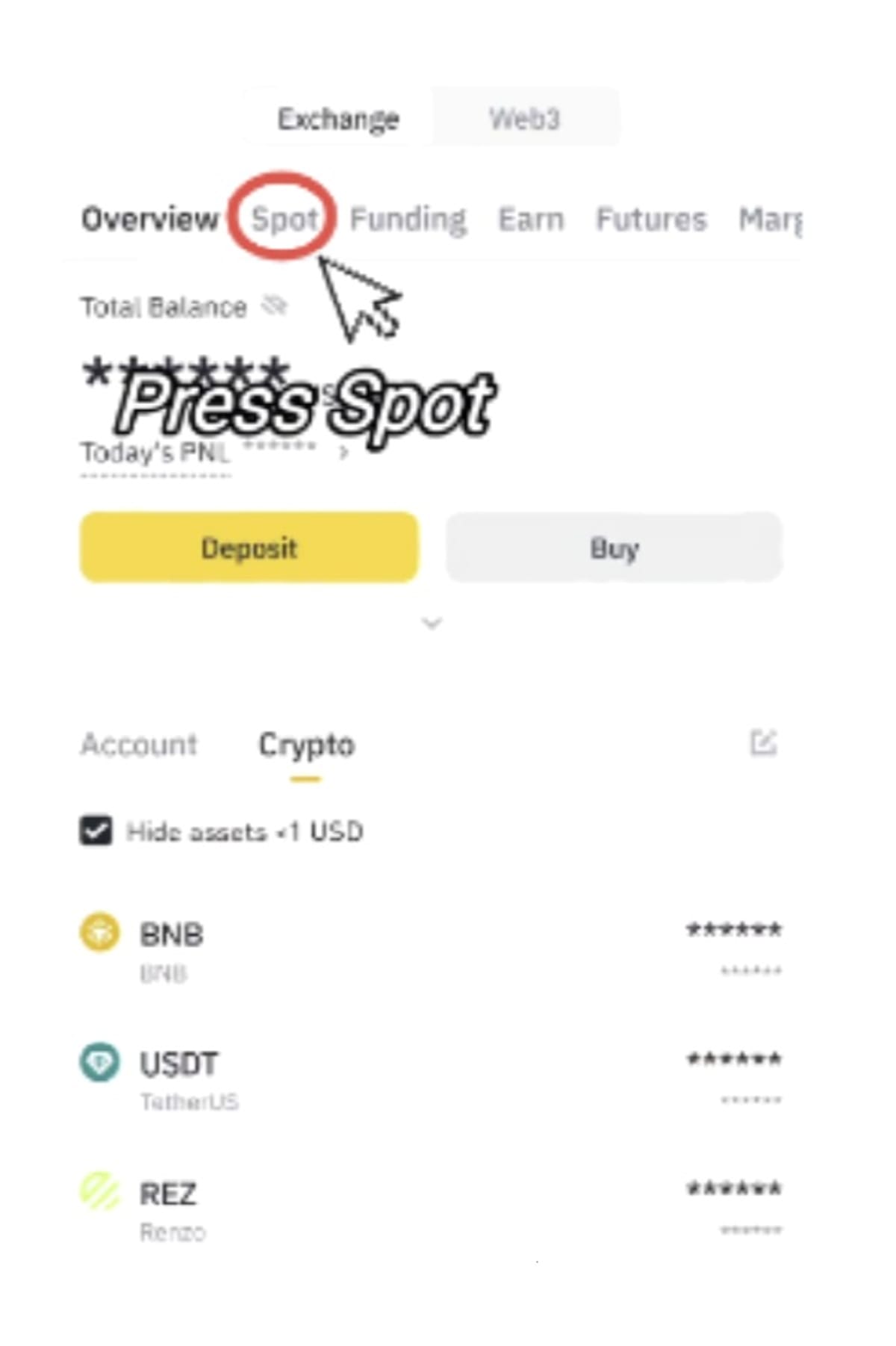
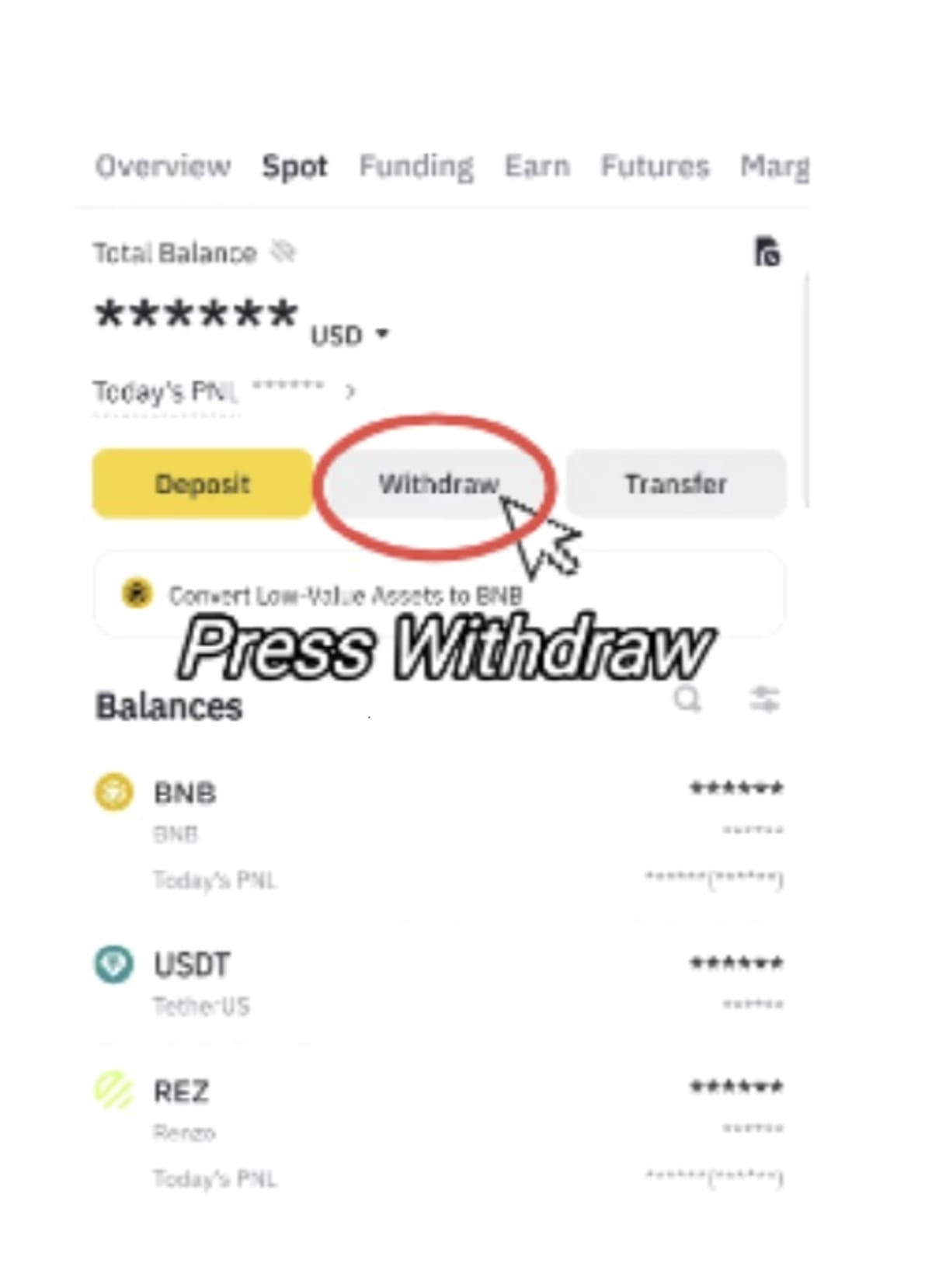
Select the currency to withdraw and choose "Send via crypto network".
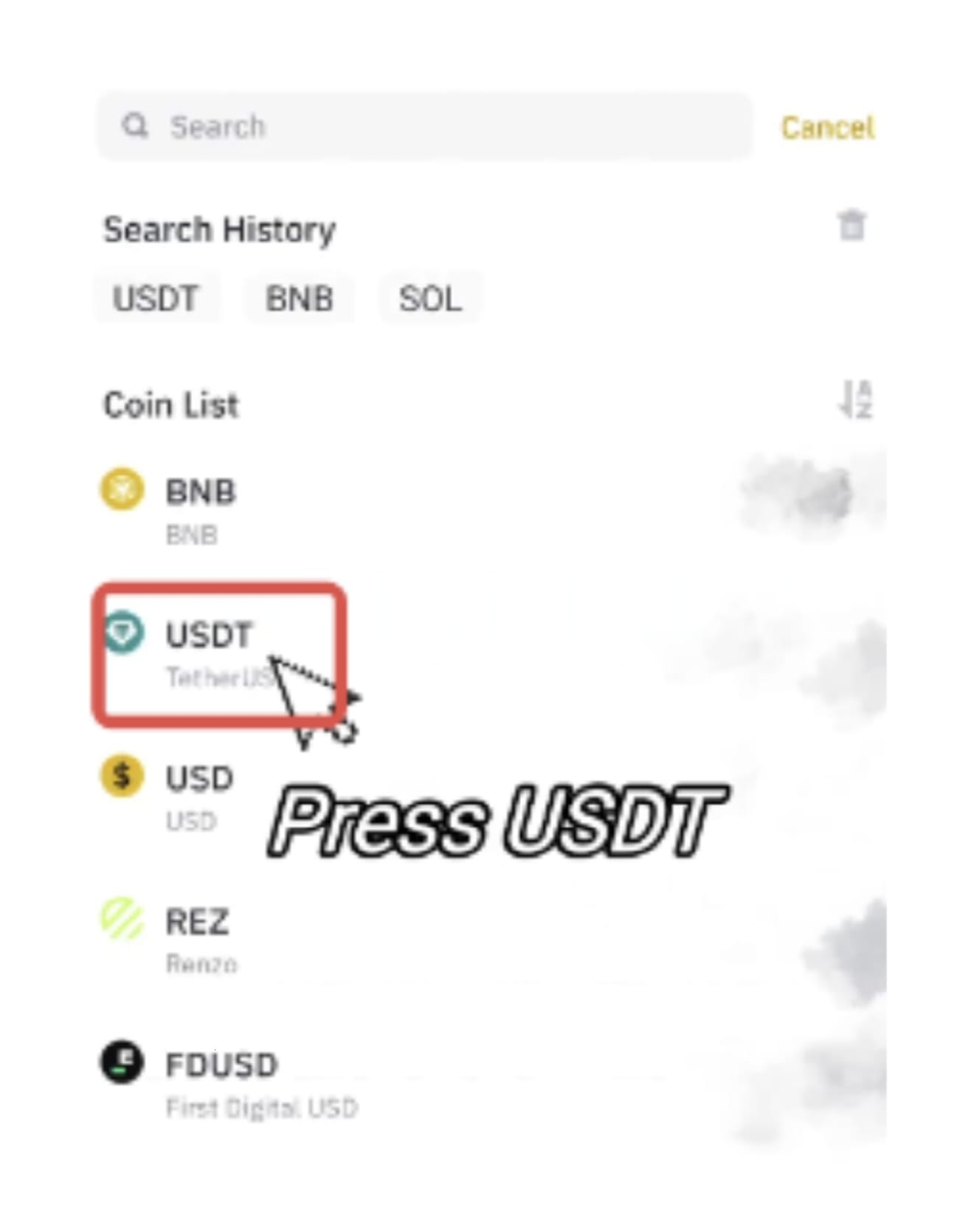
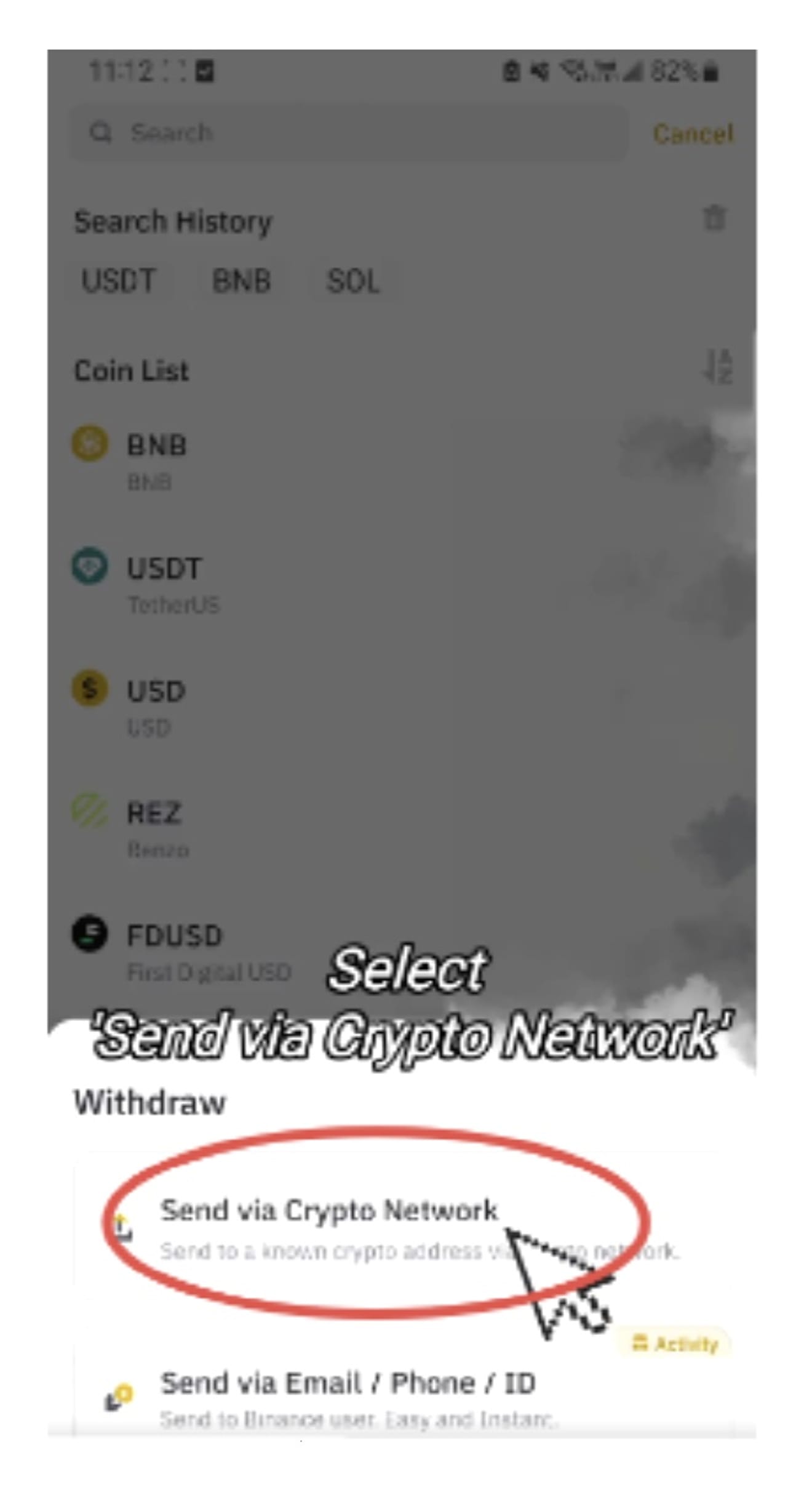
Paste the deposit address you copied from the Redotpay app into the withdrawal address field and select the corresponding network. You must select the correct network to avoid deposit issues.
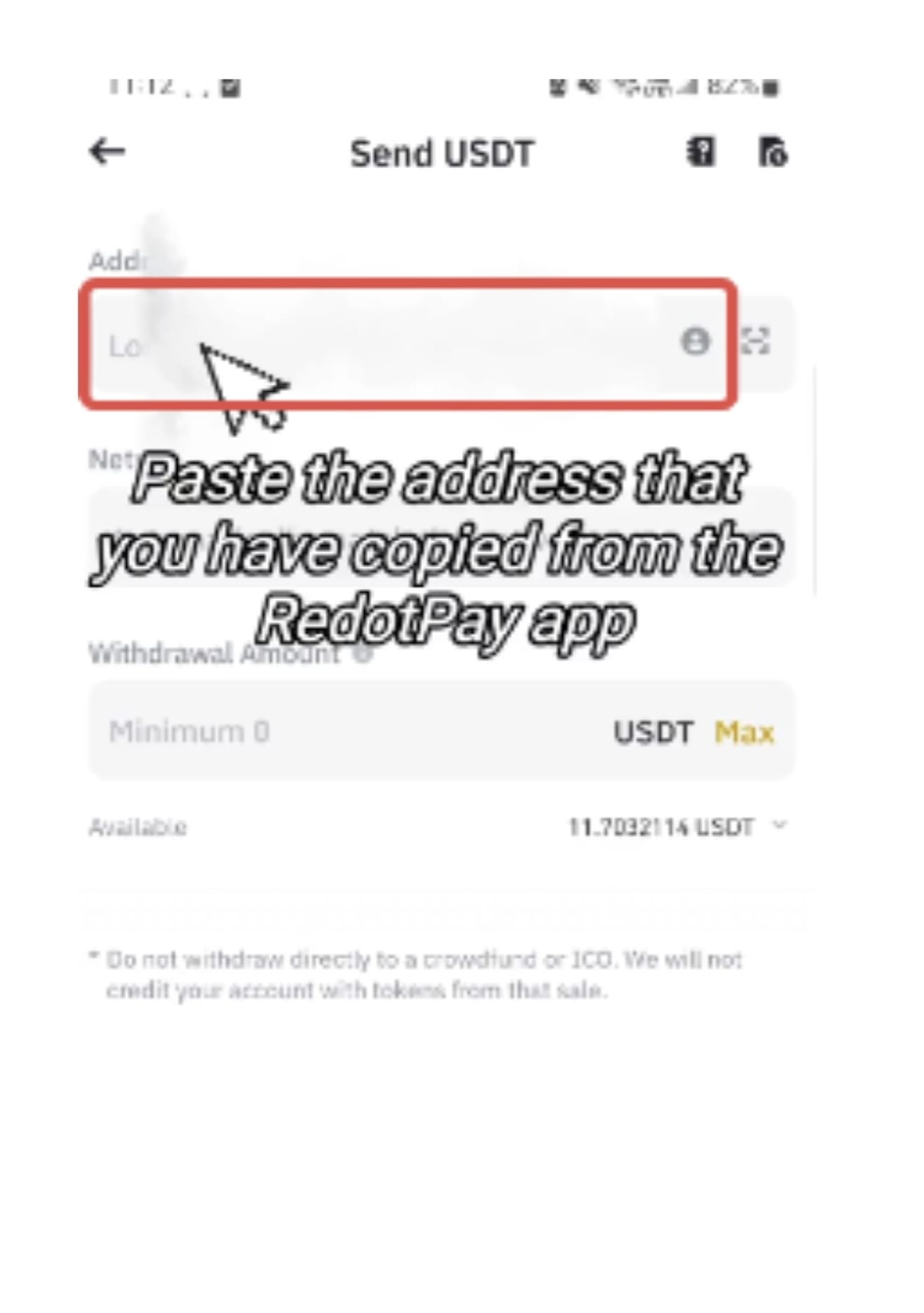
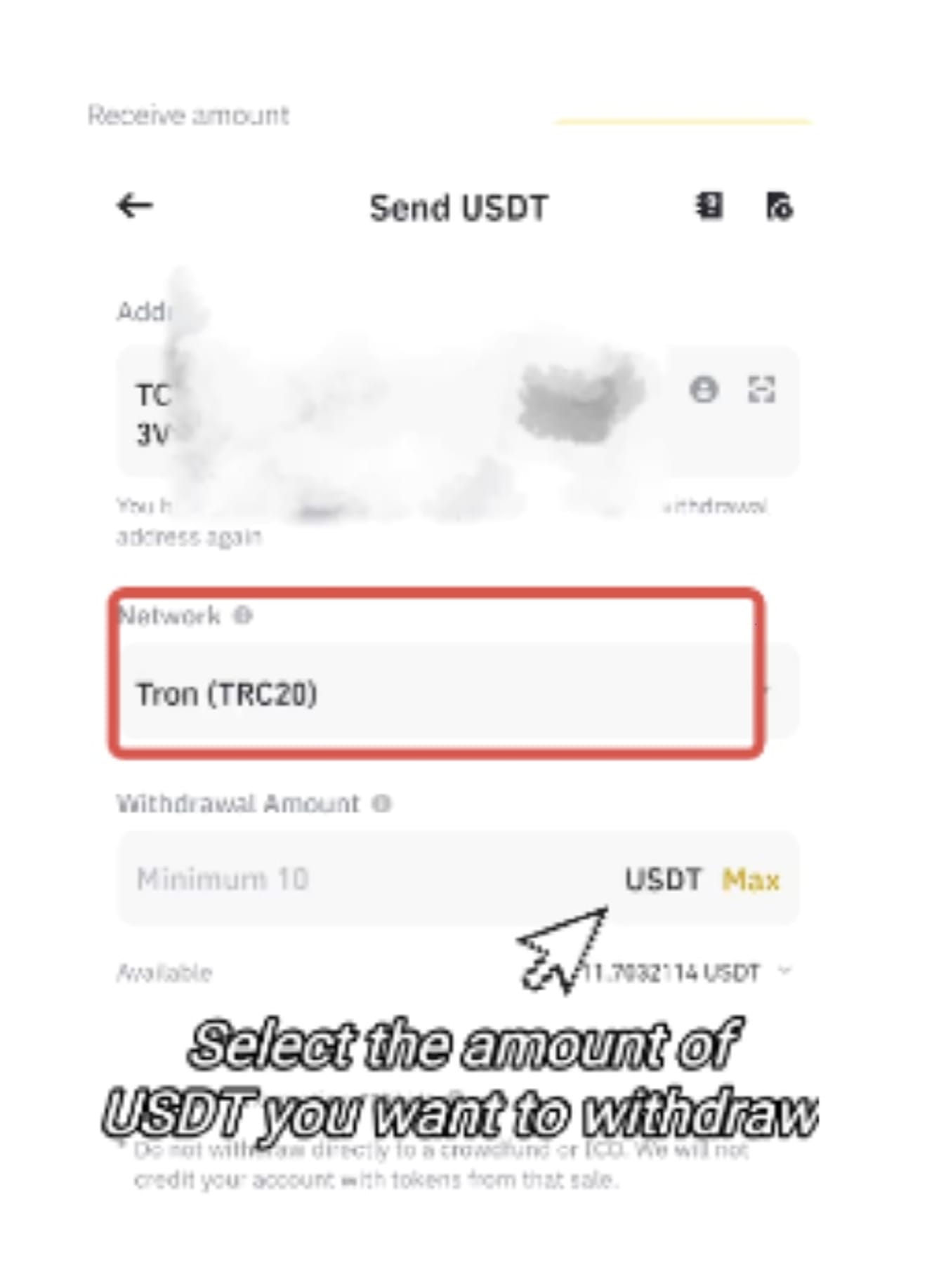
Click Withdraw and follow the instructions in the app to complete the withdrawal process.
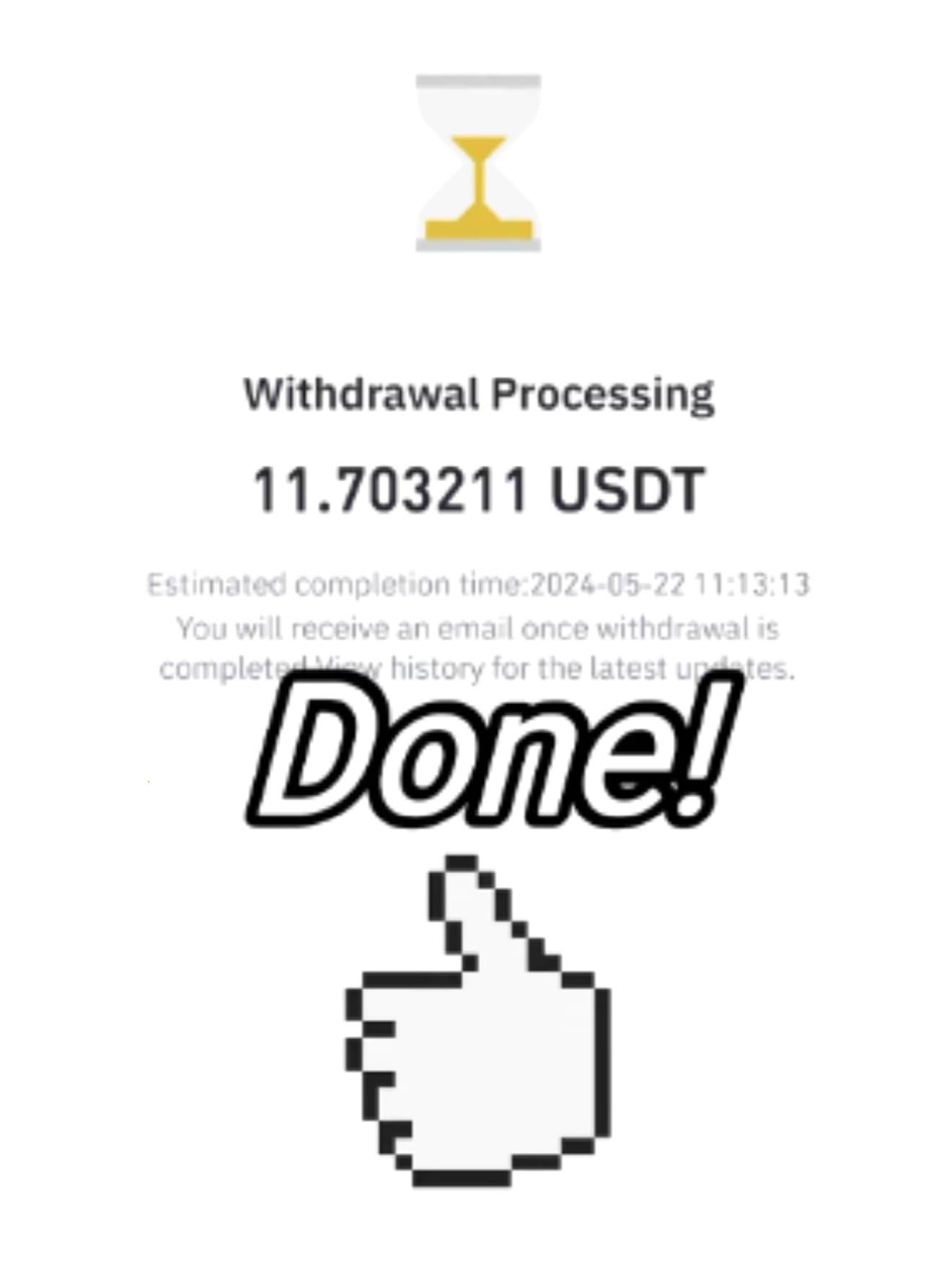
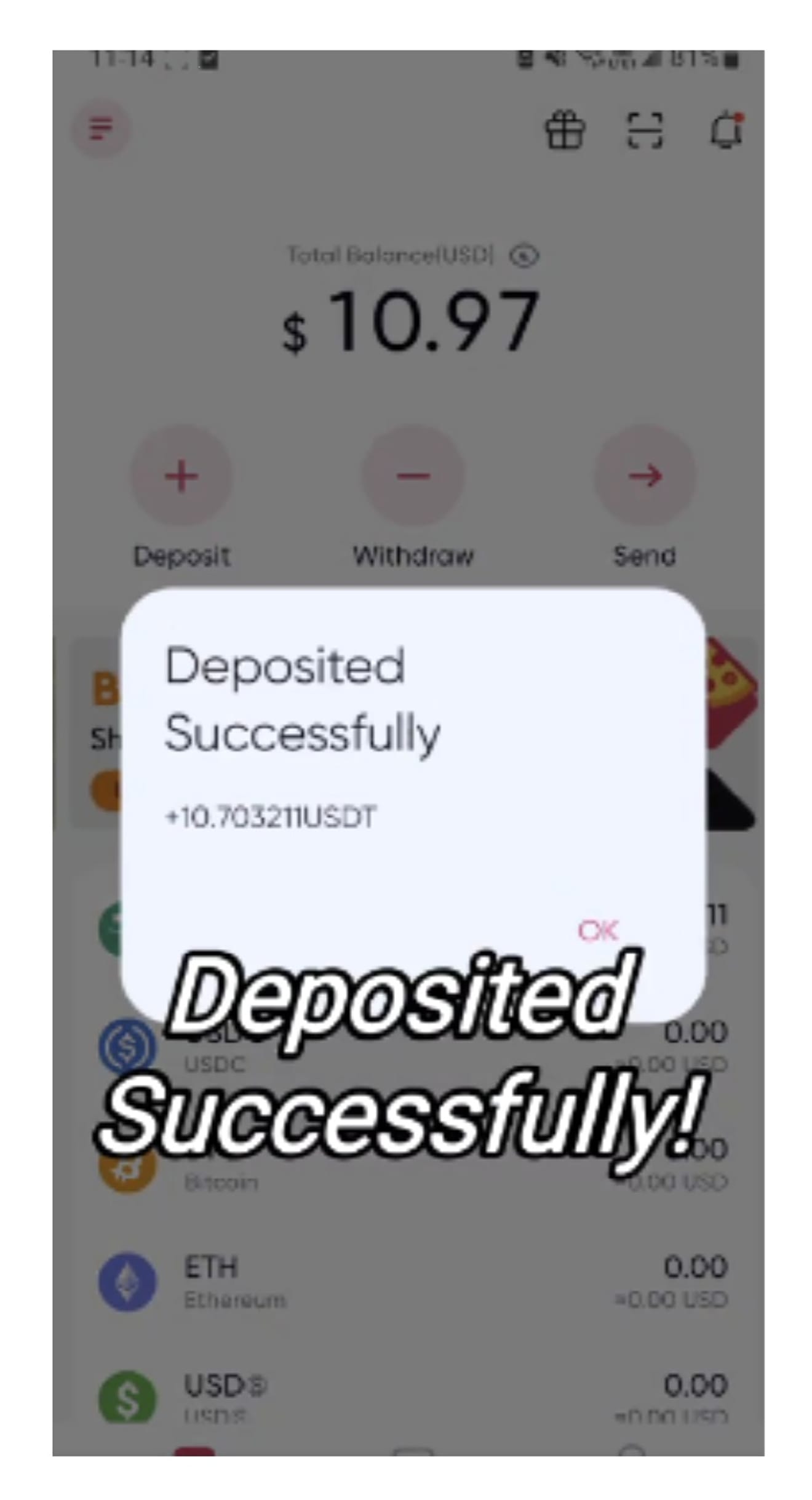
Redotpay requires 5 network confirmations for USDT-TRC20 deposits, and each confirmation takes about 1 minute. After that, you can check the deposit status in the wallet > USDT of the RedotPay app.
Top up Redotpay with Binance Pay
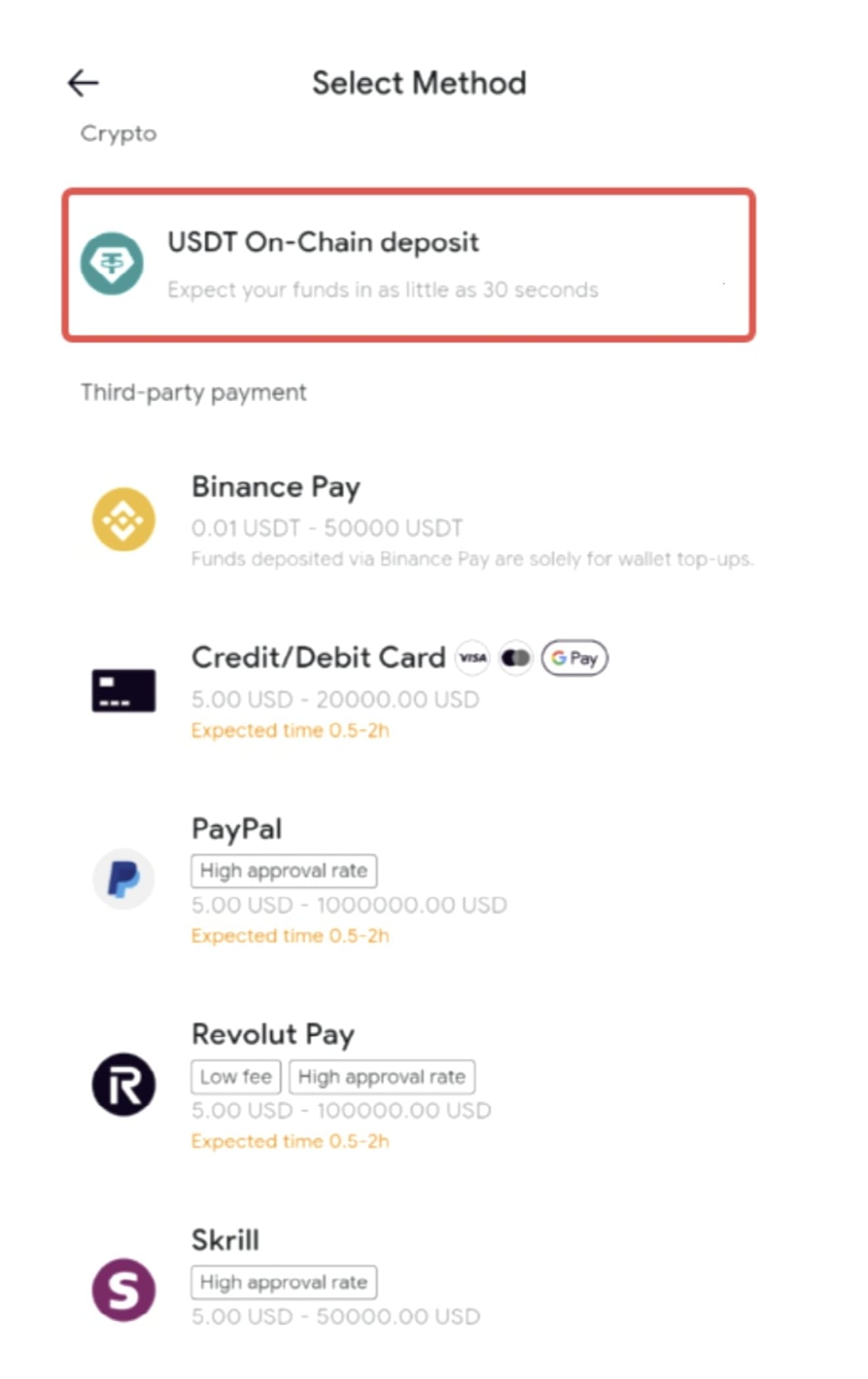
Let's look at how to deposit into your RedotPay account via Binance Pay. Open the Redotpay app, click 'Deposit', select a currency, and then select "Binance Pay", a third-party payment method, as the deposit method.
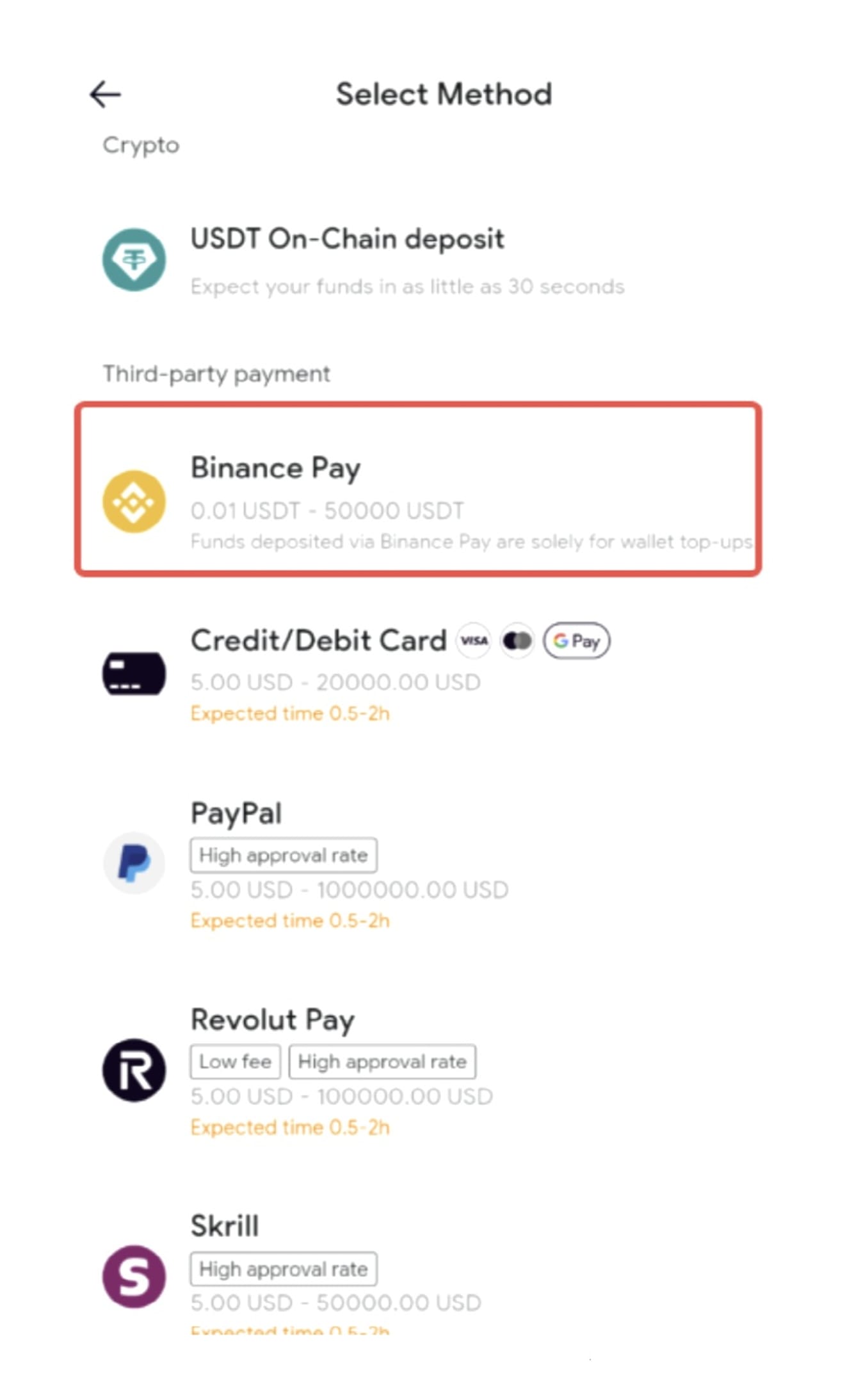
Enter the amount you want to deposit, then switch to the Binance app to confirm your order and complete the verification to complete the deposit.
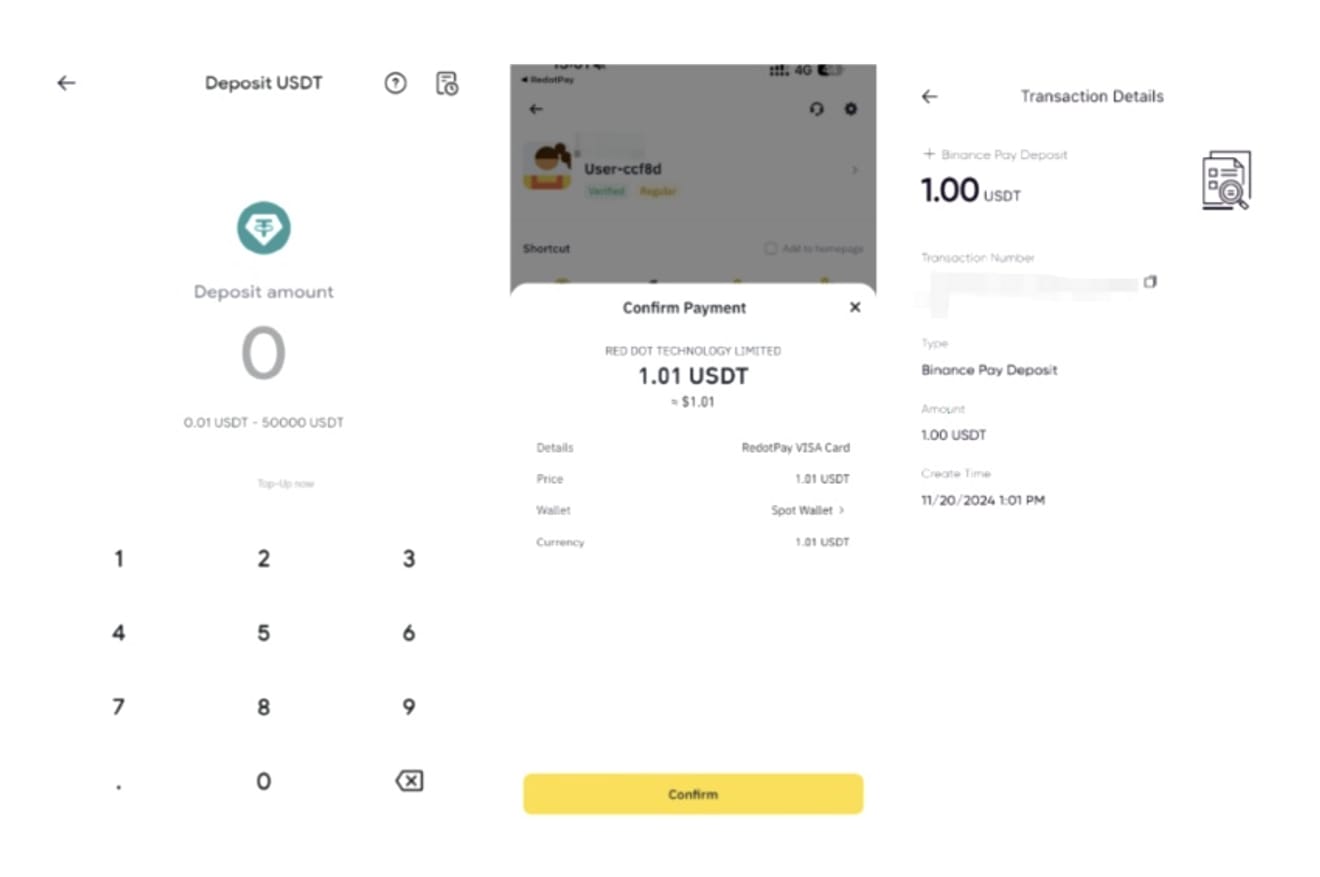
The deposit limits via Binance Pay are as follows:
1. USDT: 0.01~50,000
2. USDC: 0.01~50,000
3. Bitcoin: 0.000001~1
4. Ethereum: 0.000001~20
5. USD: 0.01~50,000
If you deposit in USD, the cryptocurrency in Binance will be converted to USD and deposited into your RedotPay account.
Top up Redotpay with a credit card
The RedotPay app allows users to purchase cryptocurrencies with credit cards, debit cards, and other payment methods. If you encounter any problems during the payment process, please contact us through the "Live Chat" function on the payment page.
Once the payment is successfully completed, the cryptocurrency will generally arrive within 2 hours. Please wait a moment. Open the RedotPay app and click 'Deposit' on the homepage.
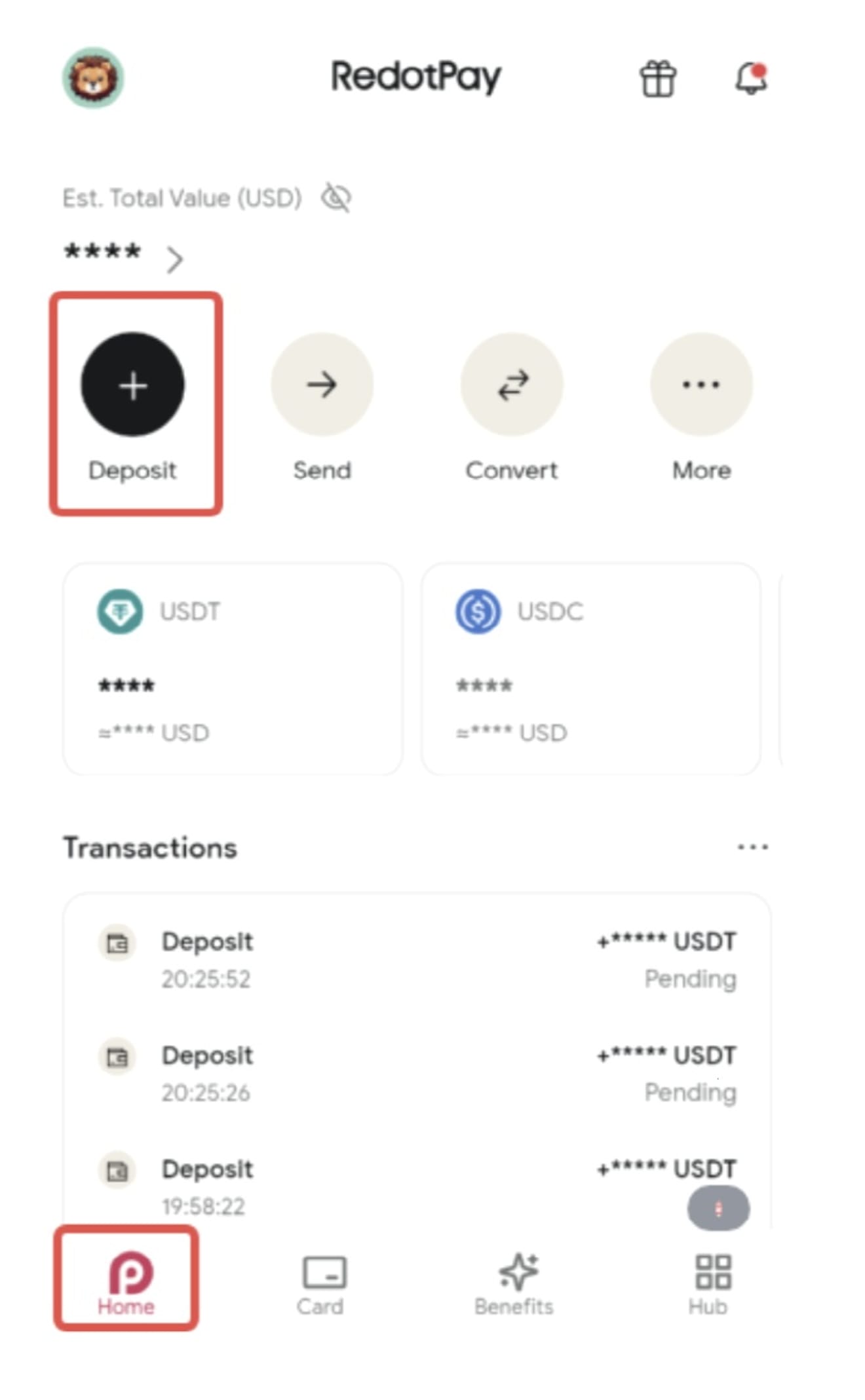
Select the cryptocurrency you want to purchase.
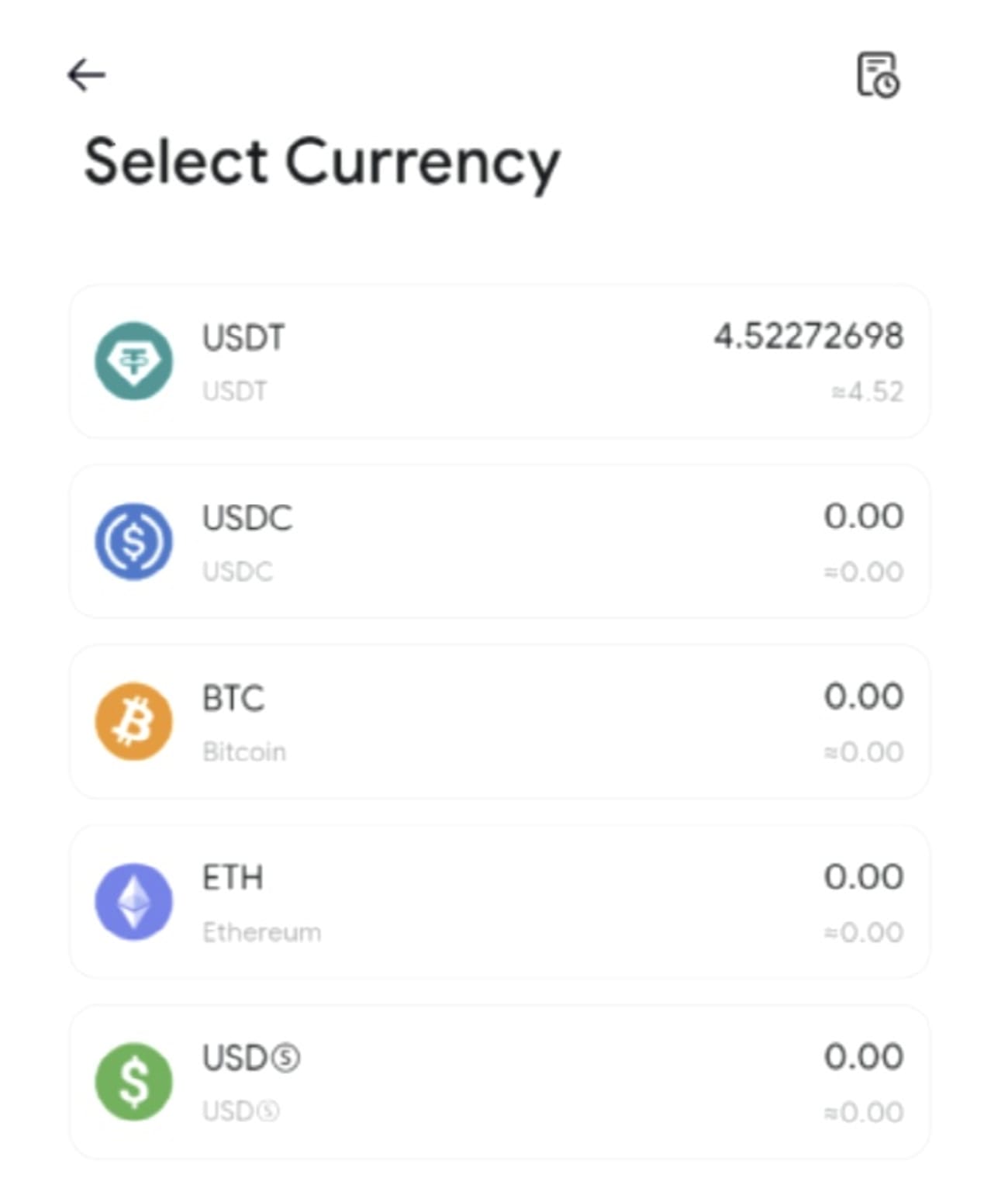
Select a payment method, such as a credit card or debit card.
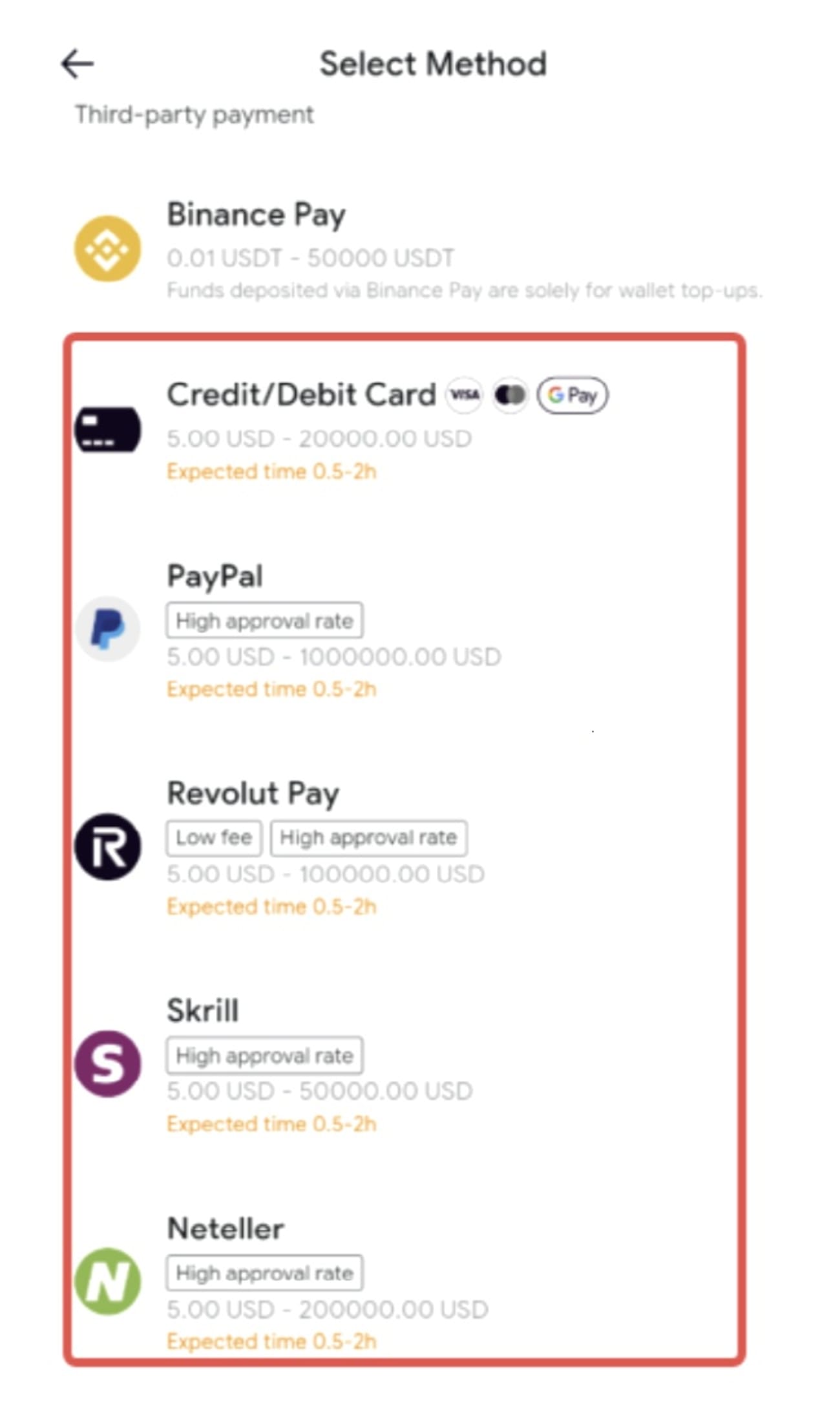
Enter the amount in fiat currency.
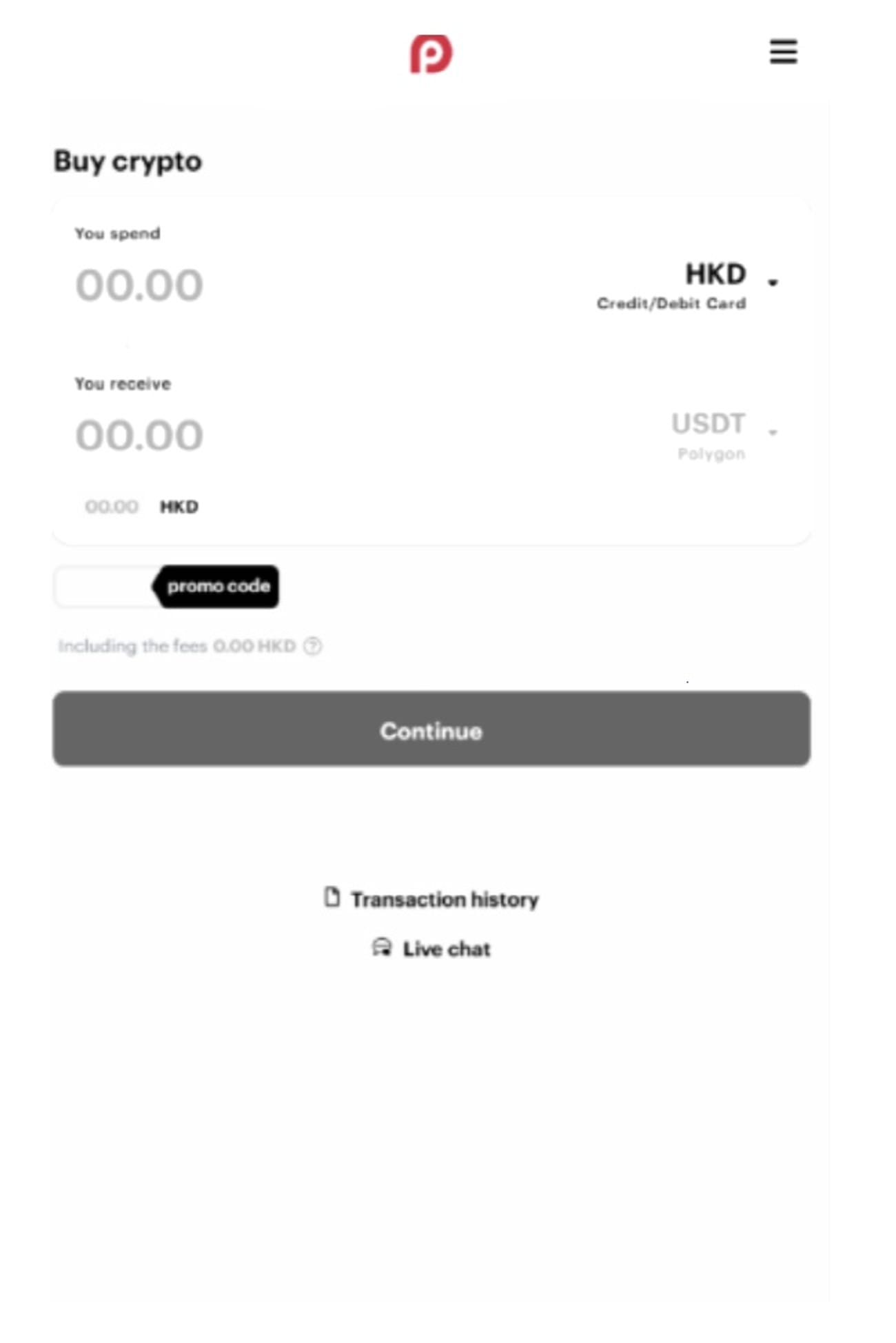
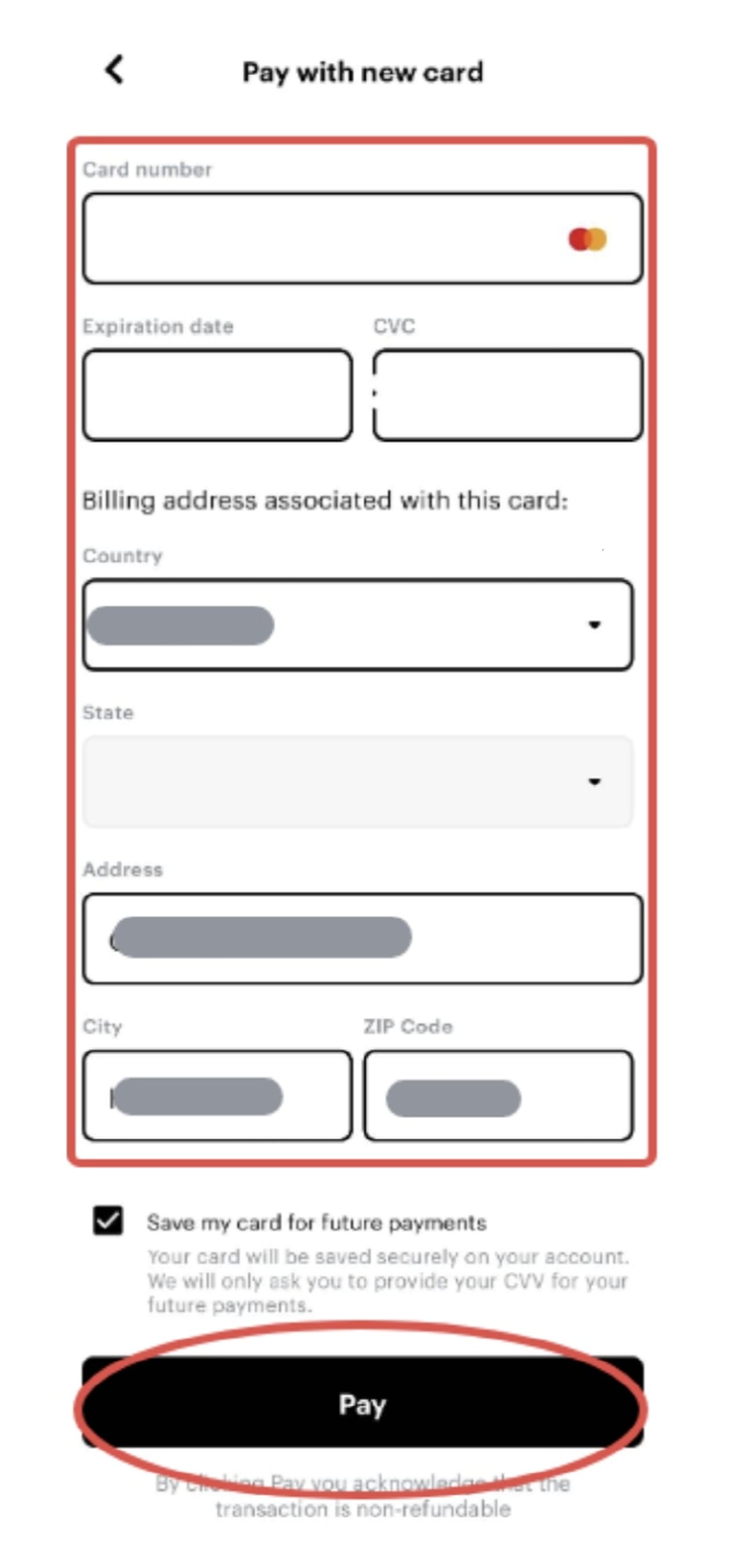
Click Add Card, enter your card information, and select "Pay" to complete the transaction.